Screenshot styling, after capture
Beautify screenshots
for product updates
Add backgrounds, shadows, frames and annotations to screenshots for product updates, guides and social posts. Choose iOS, Android, macOS, Windows or the web editor.
Get NexSnapSee NexSnap in action
From app store screenshots to social media — transform any capture into a visual masterpiece.
Backgrounds
Sizes
Tilt
Mockups
Filters
Gradients
Unsplash
Shadows
Annotations
What you can adjust
Choose a background, set the layout and annotate what matters. Start with the controls shown in our screenshot styling example.
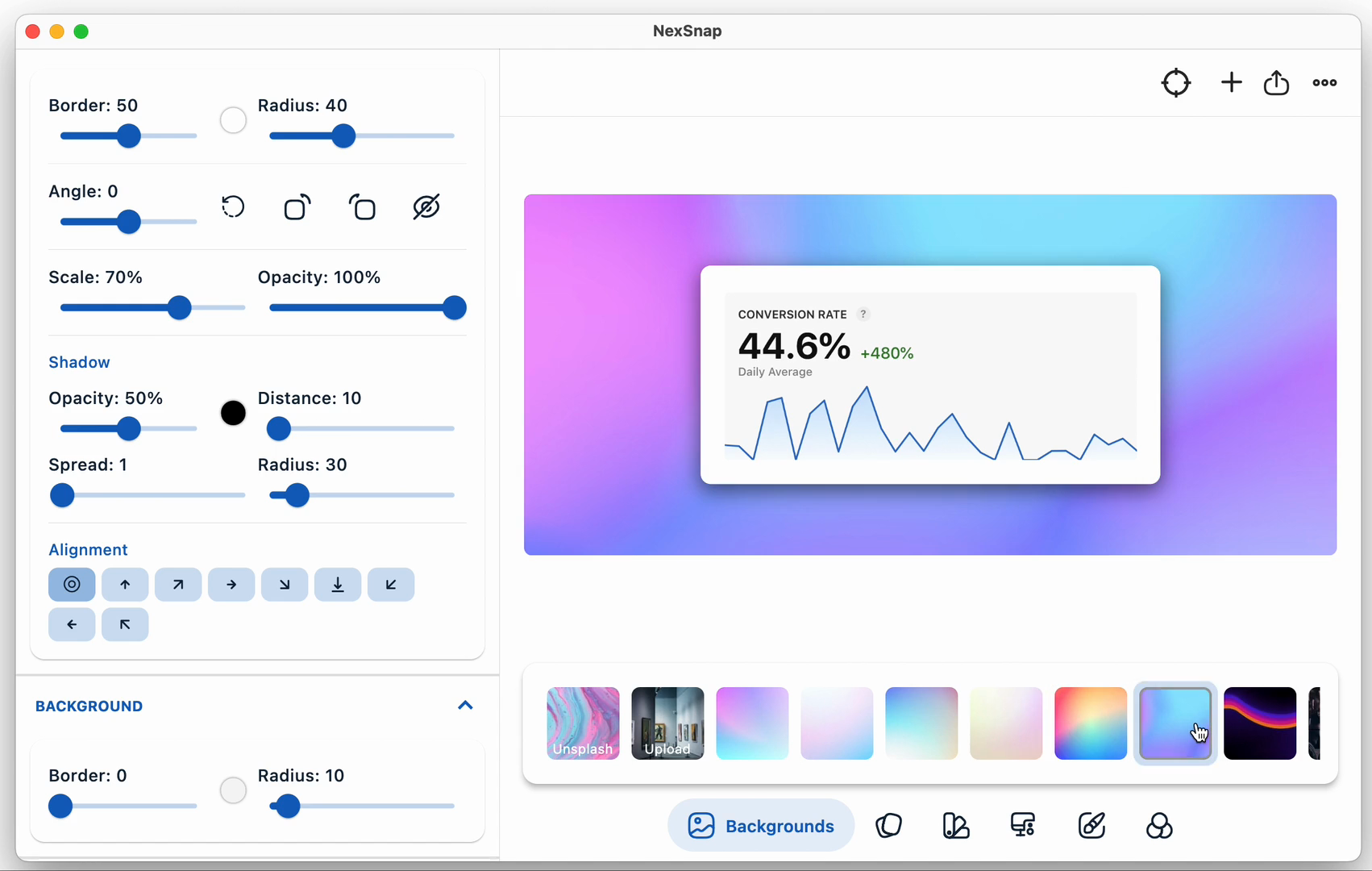
Backgrounds
Sizes
Tilt
Mockups
Shadows
Annotations
NexSnap on Mobile
Beautiful screenshots on the go. See it in action.
Get NexSnap now
Choose your platform. App downloads are free with in-app purchases for additional features; the web editor opens in your browser.